
Guides
Cloud & network remotes
Browse SFTP servers, S3 buckets, SMB shares, WebDAV, Backblaze B2, Google Drive, Dropbox, OneDrive and Box in the same tree as your local folders.
Adding a remote
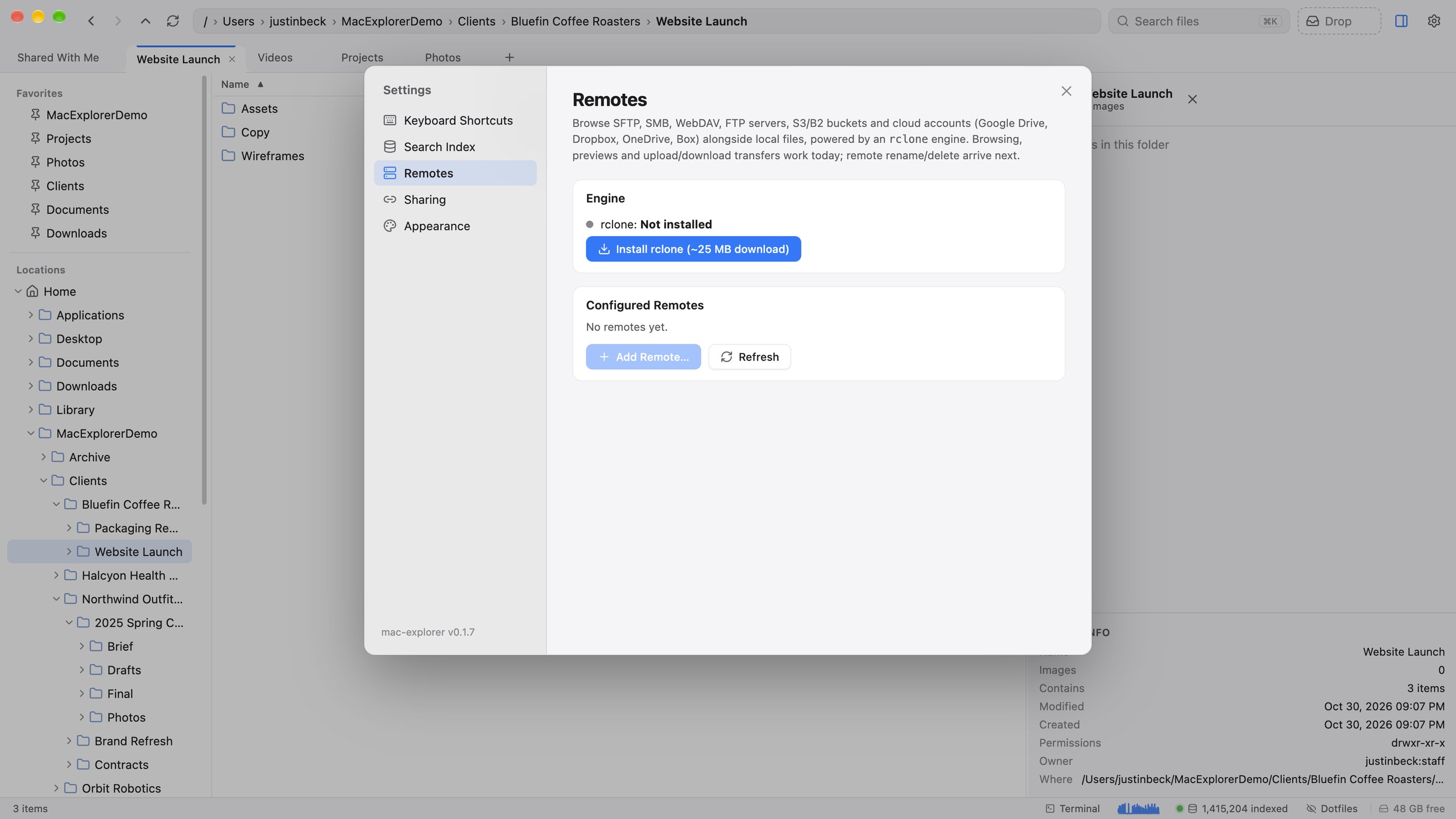
- Open Settings ▸ Remotes and click Install rclone if it isn’t installed yet.
- Click Add Remote… and pick a type.
- Fill in the form and click Add & Test, or sign in through the browser for the services that use OAuth.
| Kind | Types |
|---|---|
| Form-based | SFTP, S3-compatible (AWS, Cloudflare R2, MinIO, Wasabi), SMB, WebDAV (Nextcloud, ownCloud), FTP/FTPS, Backblaze B2 |
| Sign in with OAuth | Google Drive, Dropbox, OneDrive, Box |
Using a remote
Each remote appears as its own root in the tree sidebar. You can:
- browse it like a local folder,
- preview text files and images,
- copy and move files up and down. Transfers go through the Jobs panel with progress, cancel and conflict handling.